











Key Features
- Layering logic: The game tracks how you stack items. You can move glasses to the front or back to fix weird overlaps.
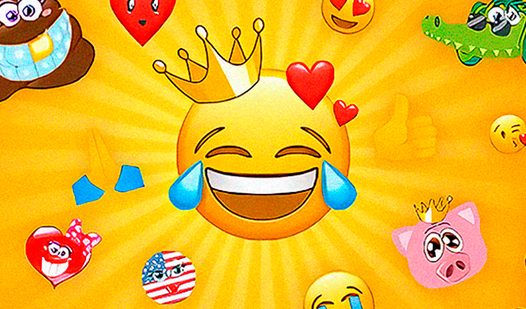
- Infinite moods: Combine eyes and mouths to create expressions that don't exist in standard keyboards.
- Style choices: Pick from basic shapes like circles or hearts.
- Quick export: Save your finished art to your desktop.
How to Play
Create a new emoji: ASMR: Getting started
Use your mouse to click through the menus and select your base shape. These Create a new emoji: ASMR controls are simple point-and-click stuff. Don't worry about getting it right the first time. Most people mess up the placement by clicking too fast, so take a breath before you finalize your design.
How to play Create a new emoji: ASMR
Once you pick a face, layer on the eyes and mouth to set the mood. You have to experiment with the layering order because some glasses might hide your favorite eyes entirely. It's annoying when the accessories don't align perfectly, but that's just part of the charm.
Who Should Play Create a new emoji: ASMR?
Frequently Asked Questions about Create a new emoji: ASMR
Can I play Create a new emoji: ASMR on my phone?
Yes, you can run this in your mobile browser without any problems. The buttons are big enough that you won't struggle with mis-taps while you design your masterpiece.
What are the controls for Create a new emoji: ASMR?
You just need your mouse or a touchscreen to navigate the menus. Tap an icon to select an element and move it around the canvas until it looks right.
Is Create a new emoji: ASMR free to play?
Yes, Create a new emoji: ASMR is completely free to play on Nub Games. There are no in-app purchases. No download or registration required.
Can I play Create a new emoji: ASMR on mobile?
Create a new emoji: ASMR works on both desktop and mobile devices. Best played in landscape mode.
What age rating is Create a new emoji: ASMR?
The catalog age rating for Create a new emoji: ASMR is 6+.