




Key Features
- Chain Reaction: Jumping over multiple pieces in one go feels like a cheat code. It saves turns and builds momentum.
- Grid Variants: Switch between 3x3 and 4x3 layouts. The tighter grid changes your entire strategy.
- Tactical Blocking: Parking a piece in the opponent’s path ruins their setup. It's the best way to delay them.
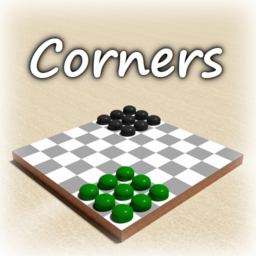
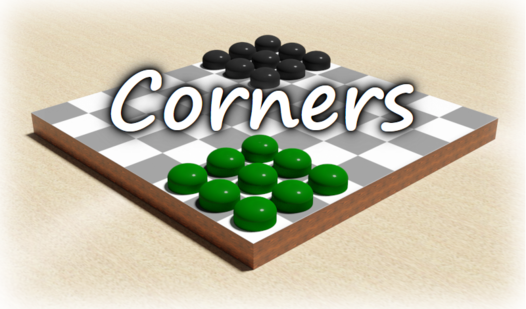
- Clean Interface: The board is plain and lacks distractions. You focus on the moves, not the visuals.
How to Play
Mastering Corners movement
To start your turn, click a piece and then select the final spot in your jump chain. The Corners controls are straightforward, but you have to plan ahead. A common mistake is jumping only one space when you could launch across the board. Don't waste your energy on short hops.
Winning at Corners
The goal is simple: get all your pieces to the opposite corner before the computer does. You need to figure out how to play Corners by identifying the longest possible sequences for your checkers. If you block the opponent, you gain an edge. Just watch out, the AI is kind of persistent.
Who Should Play Corners?
Frequently Asked Questions about Corners
Can I play Corners on my phone?
Yes, you can play on any mobile device with a browser. The touch controls work well enough, though tapping the exact jump chain can be finicky on smaller screens.
How do you win at Corners?
You win by moving all your pieces to the target corner before the computer. Look for long jumps to clear the board quickly, as every single turn counts.
Is Corners free to play?
Yes, Corners is completely free to play on Nub Games. There are no in-app purchases. No download or registration required.
Can I play Corners on mobile?
Corners works on both desktop and mobile devices. Best played in none mode.
What age rating is Corners?
The catalog age rating for Corners is 0+.