

Key Features
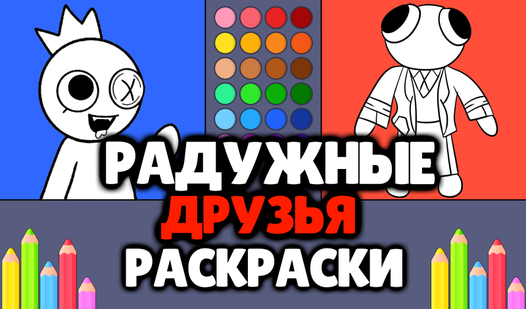
- Simple Palette: The colors are bright and bold. They make every character pop without needing you to mix anything.
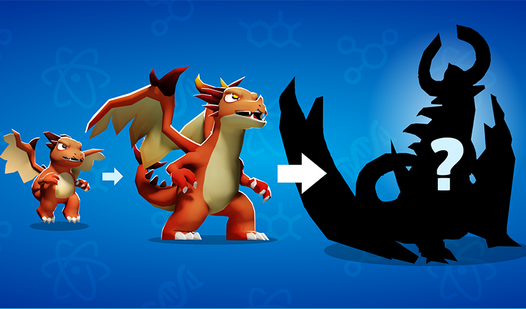
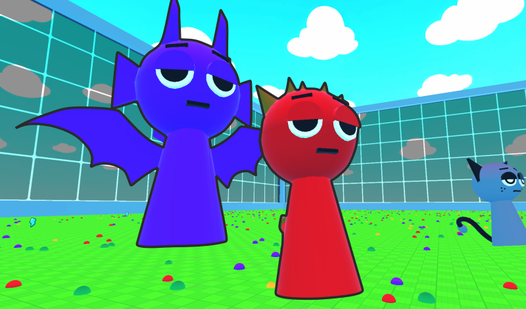
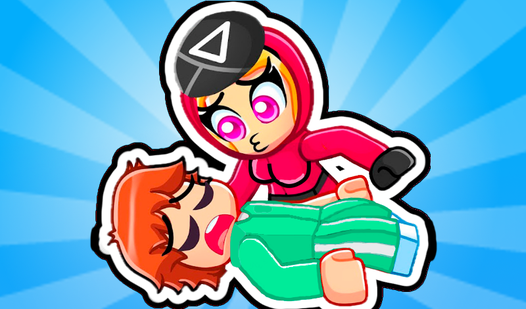
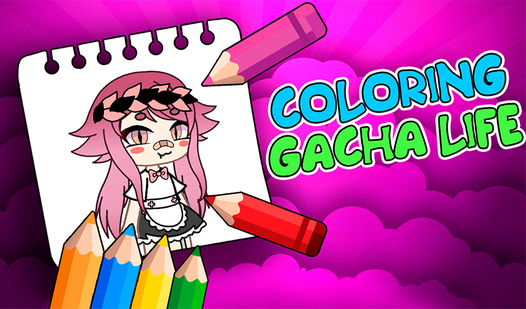
- Gacha Style: These designs feature that specific oversized aesthetic. You get sixteen different poses to customize.
- Instant Fill: Tapping a region floods it with color. It saves your wrist from tedious dragging.
- Zero Cleanup: Everything stays on the screen. You never have to worry about stray markers on your desk.
How to Play
Coloring Gacha Life: Picking your canvas
First, scroll through the gallery and tap the image that catches your eye. You use the mouse or a simple screen tap to interact with the Coloring Gacha Life controls. Stick to the lines if you want it to look crisp, but honestly, making a mess is half the fun.
How to play Coloring Gacha Life with color
Select a shade from the palette at the bottom and click the section you want to fill. It is a paint-bucket style system that snaps color into place instantly. Just watch out for those tiny, microscopic gaps near the edges where the fill tool misses a pixel—it is the one annoying part.
Who Should Play Coloring Gacha Life?
Frequently Asked Questions about Coloring Gacha Life
Can I play Coloring Gacha Life on my phone?
Yes, you can. The interface works perfectly on mobile devices, so you can color on the go just as easily as you would on a desktop.
How many pictures does Coloring Gacha Life have?
There are 16 different pictures available to color. It is a decent number to get through, though you might wish for a few more once you finish them all.
Is Coloring Gacha Life free to play?
Yes, Coloring Gacha Life is completely free to play on Nub Games. There are no in-app purchases. No download or registration required.
Can I play Coloring Gacha Life on mobile?
Coloring Gacha Life works on both desktop and mobile devices. Best played in landscape mode.
What age rating is Coloring Gacha Life?
The catalog age rating for Coloring Gacha Life is 0+.