



Key Features
- Adjustable AI: Select from three difficulty levels to match your skill. The hardest bot doesn't miss a single forced capture.
- Local Versus: Challenge a friend on the same screen. It is perfect for settling a quick bet.
- Forced Captures: Toggle the mandatory hit rule. This setting completely changes how aggressive you need to play.
- Classic Rules: Everything works exactly like the board game you remember. No weird gimmicks to learn.
How to Play
Checkers with PC: The basics of movement
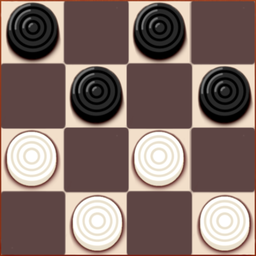
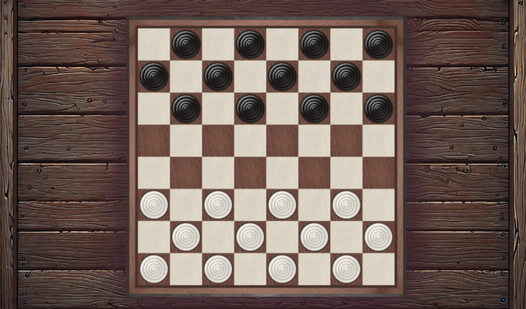
Use your mouse to drag checkers across the board. White moves first, then you alternate turns. Remember that capturing is mandatory if you toggle that setting on. Learning how to play Checkers with PC is simple, but don't get reckless. A common mistake is pushing your back row too early.
Checkers with PC: Mastering the king
Reach the opposite end of the board to promote your piece. Once you're a king, you can zip across the field diagonally in either direction. These Checkers with PC controls are snappy, though the lack of an undo button means one slip-up can ruin your entire endgame strategy.
Who Should Play Checkers with PC?
Frequently Asked Questions about Checkers with PC
Can I play Checkers with PC on my phone?
Yes, it works perfectly on mobile browsers. Just tap the checkers to select and move them, which feels just as natural as using a mouse on a desktop.
How do I force a capture in Checkers with PC?
You must enable the 'must hit' setting in the menu before starting your match. Once active, the game logic will highlight your forced moves, making it impossible to ignore.
Is Checkers with PC free to play?
Yes, Checkers with PC is completely free to play on Nub Games. There are no in-app purchases. No download or registration required.
Can I play Checkers with PC on mobile?
Checkers with PC works on both desktop and mobile devices. Best played in portrait mode.
What age rating is Checkers with PC?
The catalog age rating for Checkers with PC is 12+.