




Key Features
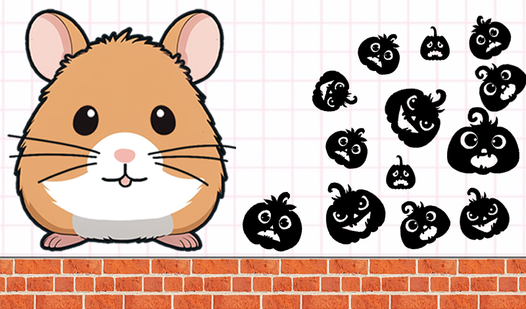
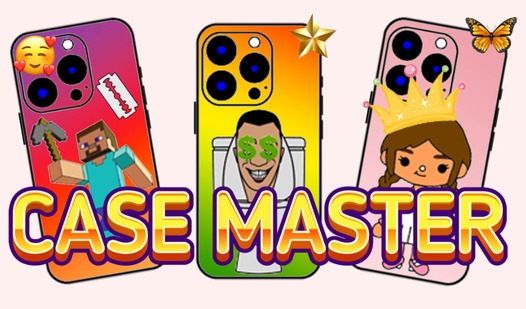
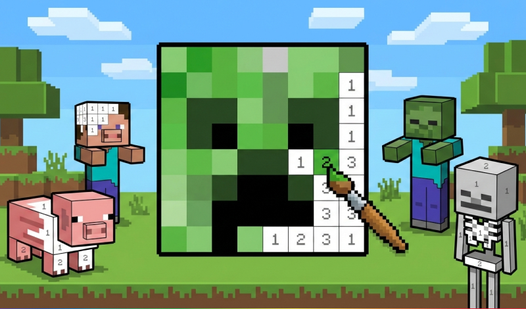
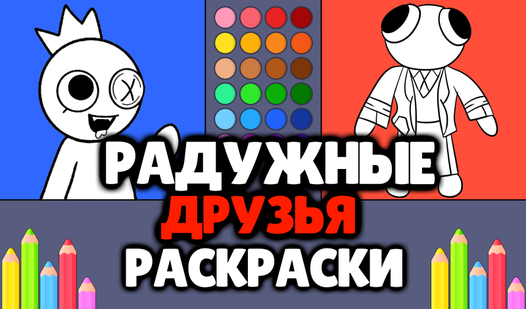
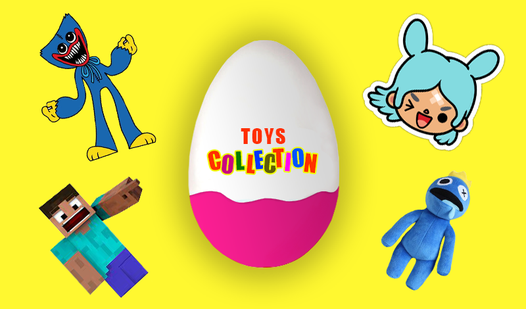
- Character templates: Thirty distinct art pieces wait for your touch. These icons provide a solid base for your own creative experiments.
- Decoration layering: Drag and drop stickers to customize your layout. You might find that overlapping designs creates a better look.
- Coloring tools: The brush tool keeps you inside the lines. It feels a bit stiff if you move too quickly.
- Digital gallery: Save your finished work directly to your device. Show off your art to your friends once you finish.
How to Play
Case Master: Getting started
Select a character template to begin. Use your mouse or finger to drag and drop your preferred colors onto the case. Case Master controls are simple, but don't rush the lines. A common mistake is trying to fill the whole area at once; work in small sections to keep it clean.
How to play Case Master with style
Once the base is colored, hit the decoration tab to add flair. You can drag stickers or patterns to hide any shaky lines you made earlier. Learning how to play Case Master properly means balancing your colors before you clutter the frame with too many accessories. It gets crowded fast.
Who Should Play Case Master?
Frequently Asked Questions about Case Master
Can I play Case Master on my phone?
Yes, you can play Case Master on any mobile device with a touch screen. The drag and drop mechanics work just as well on a phone as they do on a desktop.
How many pictures are in Case Master?
There are thirty unique character pictures available to decorate. Each one offers a different shape and theme for you to master as you progress through the library.
Is Case Master free to play?
Yes, Case Master is completely free to play on Nub Games. There are no in-app purchases. No download or registration required.
Can I play Case Master on mobile?
Case Master works on both desktop and mobile devices. Best played in portrait mode.
What age rating is Case Master?
Case Master has a content rating of 0++. It is suitable for all ages.