






Key Features
- Grid management: The board fills up quicker than you expect. One wrong tap forces you to burn your limited power-ups.
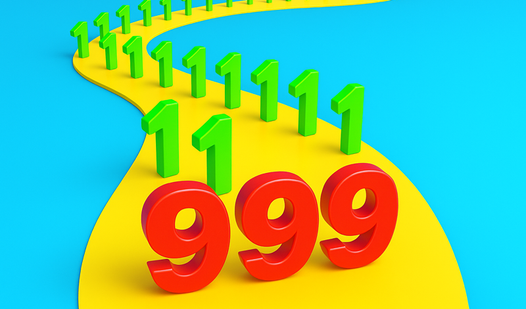
- Number scaling: Watching the values climb is satisfying. Getting to that final target requires serious spatial awareness.
- Hammer utility: It clears a single obstruction. Use it to salvage a run that looks like a total loss.
- Swap mechanic: Swapping blocks saves your life. It lets you fix your mistakes when the board layout gets ugly.
How to Play
Blocks 2048 Master: Mastering the grid
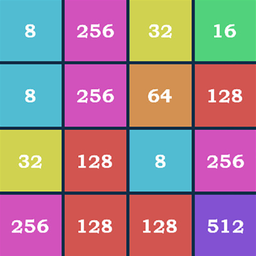
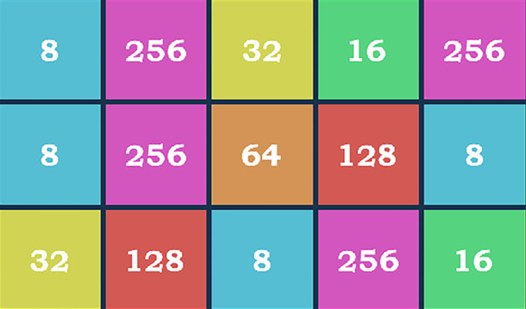
Click two identical numbers to make them grow into a larger one. Use your mouse or tap the screen for these Blocks 2048 Master controls. Plan ahead so you don't trap a small number behind a wall of high digits. It gets messy fast if you ignore the corners.
Using tools in Blocks 2048 Master
When you hit a dead end, use the hammer to break a block or the swap tool to rearrange your board. This is how to play Blocks 2048 Master without rage-quitting when the RNG hates you. Just save those bonuses for when you really need them. Don't waste them early.
Who Should Play Blocks 2048 Master?
Frequently Asked Questions about Blocks 2048 Master
How do you use the hammer in Blocks 2048 Master?
Select the hammer icon from your inventory and tap the specific block you want to remove. It deletes that piece instantly, clearing space for your next move.
Can I play Blocks 2048 Master on my phone?
Yes, it works fine on mobile browsers. You just tap the screen to merge the blocks instead of clicking with a mouse.
Is Blocks 2048 Master free to play?
Yes, Blocks 2048 Master is completely free to play on Nub Games. There are no in-app purchases. No download or registration required.
Can I play Blocks 2048 Master on mobile?
Blocks 2048 Master works on both desktop and mobile devices. Best played in portrait mode.
What age rating is Blocks 2048 Master?
Blocks 2048 Master has a content rating of 6++. It is suitable for all ages.