











Key Features
- Flashy Blades: Switching to the lightning or rainbow blade changes your visual trail. It looks sharp, though it doesn't actually alter the hitboxes.
- Combo Multipliers: Chain your slices together to watch the score climb. The game gets chaotic when three or four fruits spawn at once.
- Precision Required: Precision matters more than speed late in a run. You will mess up if you just spam clicks randomly.
- Visual Feedback: Every slice feels solid because of the impact effects. It is a bit distracting when the screen gets too cluttered.
How to Play
Blade Fruit: Mastering the slice
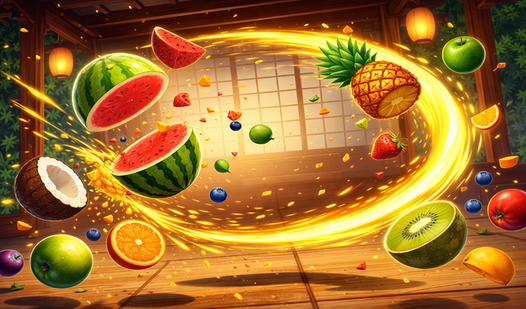
Your goal is to swipe through every piece of produce that hits the screen. Use your mouse or touchscreen for Blade Fruit controls, dragging quickly to maximize your points. Watch out for the bombs tucked between the fruit. Hitting one kills your momentum and costs you a precious life.
How to play Blade Fruit combos
Learn how to play Blade Fruit for the big points by lining up multiple fruits in a single swipe. The game rewards you for clean, aggressive movements. Just avoid the common mistake of swiping too slowly; if you aren't quick, the fruit drops off the screen and you lose health.
Who Should Play Blade Fruit?
Frequently Asked Questions about Blade Fruit
Can I play Blade Fruit on my phone?
Yes, it works fine on mobile browsers. Just swipe your finger across the screen to hit the fruit as accurately as you would with a mouse.
How do you avoid bombs in Blade Fruit?
You need to track the trajectory of every object before you commit to a swipe. If a bomb is anywhere near your arc, pull back or you will lose a life immediately.
Is Blade Fruit free to play?
Yes, Blade Fruit is completely free to play on Nub Games. There are no in-app purchases. No download or registration required.
Can I play Blade Fruit on mobile?
Blade Fruit works on both desktop and mobile devices. Best played in portrait mode.
What age rating is Blade Fruit?
Blade Fruit has a content rating of 6++. It is suitable for all ages.