











Key Features
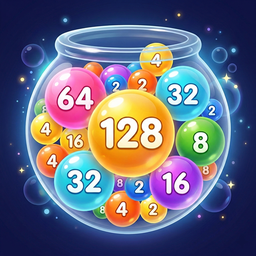
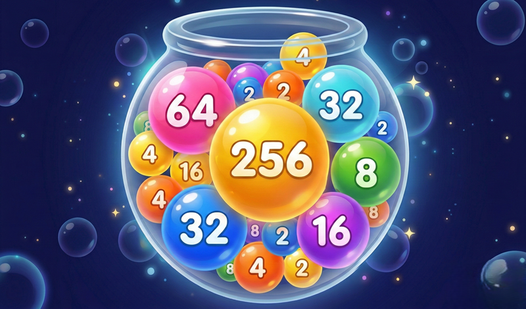
- Ten sphere levels: Every tier introduces a new look. The larger ones become harder to manage as they roll across the container walls.
- Six visual skins: Switch between Planets, Neon, or Pixels to change the vibe. It helps reset your focus when the current colors start bothering you.
- Global leaderboard rank: Compare your high score against everyone else. It is tough to crack the top ten when other players are this committed.
- Dynamic container physics: The spheres bounce and shift based on where they land. Predicting the roll is the only way to survive the later stages.
How to Play
Balldrop: Mastering the drop
Use your mouse or tap the screen to position your sphere before releasing. Balldrop controls are simple, but clicking too fast is a common mistake that ruins your layout. Wait for the physics to settle before you commit to your next move, or you might end up with a messy pile.
How to play Balldrop effectively
The goal is to touch two identical spheres together to trigger a growth spurt. When you learn how to play Balldrop, you realize the bigger spheres are a nightmare because they take up so much room. Watch that red line at the top, because once you cross it, your run is over.
Who Should Play Balldrop?
Frequently Asked Questions about Balldrop
Can I play Balldrop on my phone?
Yes, it works perfectly on mobile devices. You just tap the screen to drop your sphere, making it a solid choice for when you are away from your computer.
How many levels does Balldrop have?
There are ten distinct levels of spheres to discover. As you progress, the size increases significantly, which makes keeping the container below the red line a real challenge.
Is Balldrop free to play?
Yes, Balldrop is completely free to play on Nub Games. There are no in-app purchases. No download or registration required.
Can I play Balldrop on mobile?
Balldrop works on both desktop and mobile devices. Best played in portrait mode.
What age rating is Balldrop?
The catalog age rating for Balldrop is 6+.