











Key Features
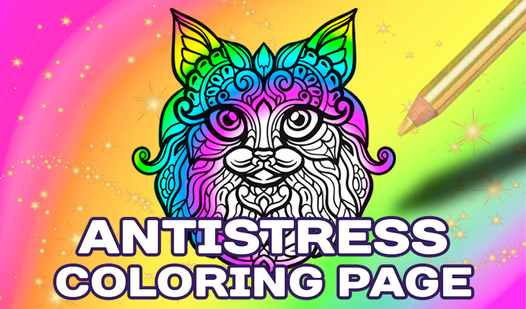
- Infinite Palette: Colors aren't locked to the lines. You can make an animal neon green if that’s your vibe.
- Zoom Mechanics: The zoom tool is your best friend. Without it, you'd never hit the tiny gaps.
- Screenshot Export: Save your finished work with a single button. It’s better than losing your progress.
- Massive Gallery: With over 50 pictures, you won't run out of things to paint for a while.
How to Play
How to play Antistress coloring page: Starting out
First, pick a sketch from the gallery. Once it loads, tap or click your color of choice and fill the sections. Antistress coloring page controls rely on a simple click-to-paint system, though the hitboxes on smaller parts can be a bit fiddly at times.
Mastering the Antistress coloring page tools
Use the scroller on the left to zoom deep into the tiny corners. If you try to color the whole thing zoomed out, you will mess up the borders every single time. Learn how to play Antistress coloring page by dragging the screen while zoomed to reach every nook.
Who Should Play Antistress coloring page?
Frequently Asked Questions about Antistress coloring page
Can I play Antistress coloring page on my phone?
Yes, it works perfectly on mobile browsers. You just tap the screen to select colors and drag to navigate the canvas.
What are the controls for Antistress coloring page?
You use your mouse or finger to tap colors and fill areas. The left toolbar handles your zoom and screenshot functions.
Is Antistress coloring page free to play?
Yes, Antistress coloring page is completely free to play on Nub Games. There are no in-app purchases. No download or registration required.
Can I play Antistress coloring page on mobile?
Antistress coloring page works on both desktop and mobile devices. Best played in landscape mode.
What age rating is Antistress coloring page?
The catalog age rating for Antistress coloring page is 0+.