
Key Features
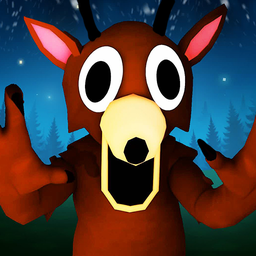
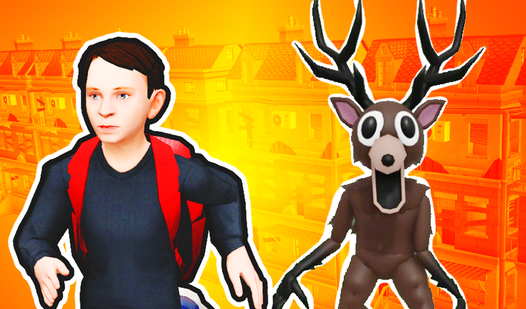
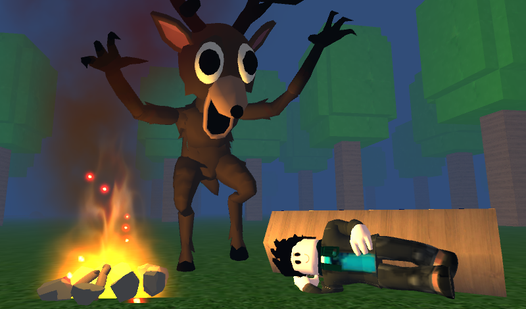
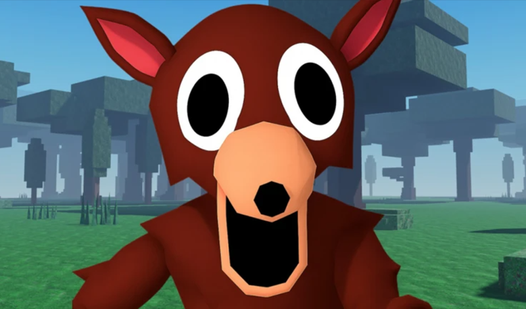
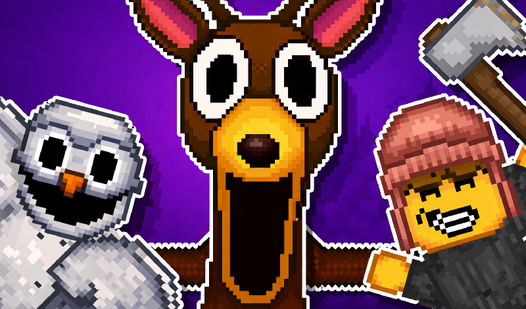
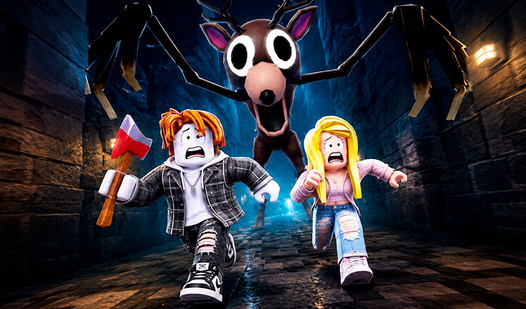
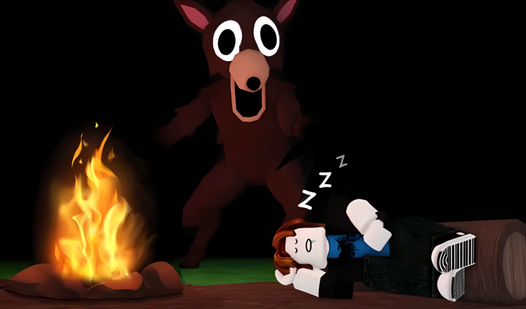
- Stalker AI: The deer tracks your movement through the city. It forces you to keep running instead of camping out in corners.
- Urban Maze: The city layout is confusing on purpose. You will get lost.
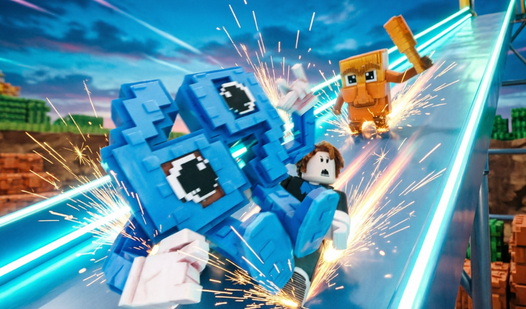
- Jump Timing: Platforming requires focus. One wrong tap sends you back to the start.
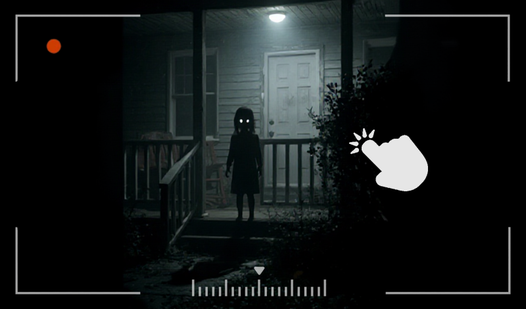
- Abandoned Atmosphere: The visuals set a creepy tone.
How to Play
Mastering 99 nights in the city movement
Use WASD or the screen joysticks to navigate. You need to keep moving constantly because that deer does not stop. 99 nights in the city controls feel a bit floaty when you first start. Don't let that panic you. Just adjust your rhythm early.
How to play 99 nights in the city effectively
Learn the layout of the abandoned city. If you memorize your route, you won't hit dead ends while being chased. Most players mess up by jumping too early. Wait until your feet hit the very edge of the platform to maximize your distance.
Who Should Play 99 nights in the city?
Frequently Asked Questions about 99 nights in the city
Can I play 99 nights in the city on my phone?
Yes, it works on mobile devices using on-screen joysticks. The touch controls are responsive enough to handle the jumps if you have steady fingers.
What are the controls for 99 nights in the city?
You use WASD keys to walk and the Space bar to jump on a computer. If you are on a phone, use the virtual buttons laid out on your screen.
Is 99 nights in the city free to play?
Yes, 99 nights in the city is completely free to play on Nub Games. There are no in-app purchases. No download or registration required.
Can I play 99 nights in the city on mobile?
99 nights in the city works on both desktop and mobile devices. Best played in landscape mode.
What age rating is 99 nights in the city?
99 nights in the city has a content rating of 12++. Parental guidance may be recommended for younger players.