











Key Features
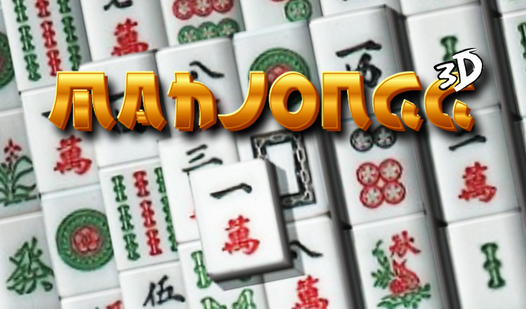
- Depth perception: The 3D view adds a layer of complexity. You have to rotate the field to spot hidden matches.
- Style options: Swap the tile sets to keep things fresh. Some skins make the symbols much easier to distinguish.
- Layout variety: Change the board structure in the menu. This forces you to adapt your strategy for every new session.
- Slow pacing: It lacks a ticking clock. You can take all the time you need to scan for that one elusive pair.
How to Play
3D Mahjong: The basic goal
Your job is to clear the board by matching identical pairs. Click one tile, then its twin. Using your mouse for the 3D Mahjong controls, you have to ensure the cubes aren't blocked by neighbors on the sides. Learning how to play 3D Mahjong takes seconds, but winning is another story entirely.
Cracking 3D Mahjong patterns
Look for tiles that aren't trapped under others. A common mistake is clearing the top layers too quickly, which leaves the bottom cubes inaccessible later. If you get stuck, step back and analyze the stack from a different angle. Some layouts are absolute nightmares if you don't plan your moves early.
Who Should Play 3D Mahjong?
Frequently Asked Questions about 3D Mahjong
How do you rotate the camera in 3D Mahjong?
You can usually drag your mouse across the background or use the on-screen controls to pivot the board. This is necessary to see tiles hidden behind larger structures.
Can I play 3D Mahjong on my phone?
Yes, it works on mobile browsers. Tapping the screen acts just like a mouse click, though smaller screens might make spotting the tiny tiles a bit frustrating.
Is 3D Mahjong free to play?
Yes, 3D Mahjong is completely free to play on Nub Games. There are no in-app purchases. No download or registration required.
Can I play 3D Mahjong on mobile?
3D Mahjong is currently available on desktop only. Best played in none mode.
What age rating is 3D Mahjong?
The catalog age rating for 3D Mahjong is 0+.