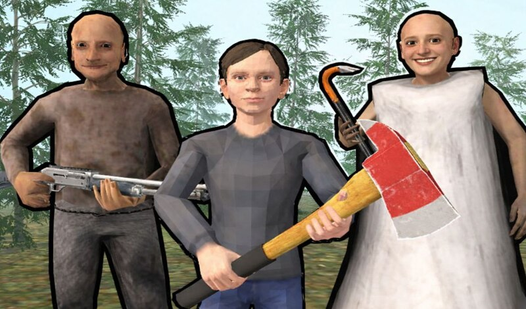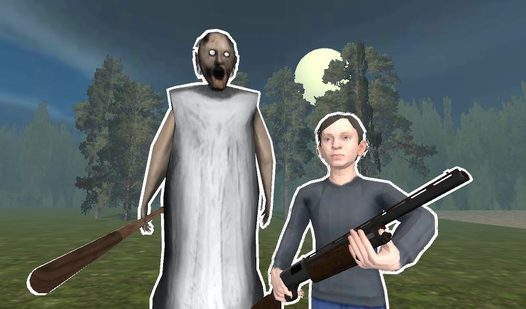
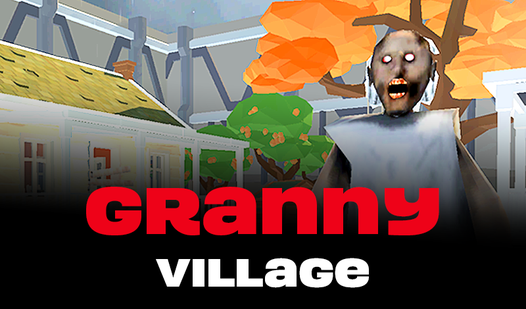
Play Granny Village for free in your browser. Works on desktop and mobile.
You woke up in some kind of rustic hangar, which is located in a small area enclosed by a giant wall.
⭐ What is this place?
⭐ How do I get out of here?
⭐ And what kind of strange notes are pasted around?
How to Play
➕ At the beginning, select the language and device you want to play on. ➕ Computer management: W, up arrow - the character moves forward. A or left arrow - the character moves to the left. S or down arrow - the character moves backwards. D or right arrow - the character moves to the right. The Space is a jump. E is an action. The right mouse button is to enhance the flashlight. ➕ Control on the phone: Use the joystick in the left corner of the screen to move the character. The button in the right corner of the screen is jump. Click on the highlighted object to perform an action on it. The button in the upper right corner of the screen is to enhance the flashlight.
Frequently Asked Questions about Granny Village
Is Granny Village free to play?
Yes, Granny Village is completely free to play on Nub Games. There are no in-app purchases. No download or registration required.
Can I play Granny Village on mobile?
Granny Village works on both desktop and mobile devices. Best played in landscape mode.
What age rating is Granny Village?
Granny Village has a content rating of 16++. Parental guidance may be recommended for younger players.